
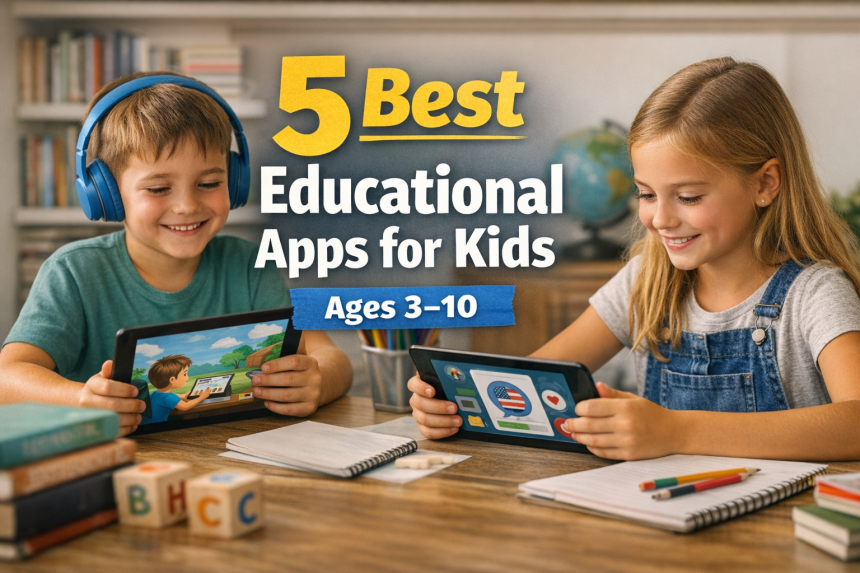
Helping children learn in today’s digital world can feel overwhelming. With thousands of apps available, many parents find themselves asking the same question:
Which educational apps actually help my child learn—and which ones are just screen time in disguise?
The answer is not simply about choosing the “most popular” app. Instead, it’s about selecting tools that align with how children learn at different stages of development.
When used thoughtfully, educational apps can do more than entertain. They can support reading development, strengthen problem-solving skills, and even help children build confidence and independence.
In this guide, we’ll explore the five best educational apps for kids, break down their strengths and limitations, and help you choose the right one based on your child’s age and learning needs.
Why Educational Apps Matter?
Children today are growing up in a digital-first environment. Screens are part of everyday life, whether for school, communication, or entertainment. However, not all screen time provides the same value.
High-quality educational apps stand out because they turn passive screen time into active learning experiences.
First, they make learning interactive. Instead of simply watching or listening, children can tap, explore, and make decisions. This type of engagement helps improve focus and retention.
Second, they allow children to learn at their own pace. Unlike traditional classrooms, apps can adjust to a child’s level, offering repetition when needed and progression when they’re ready.
Third, they support consistent practice. Skills like reading, math, and language development require repetition, and apps make this process feel enjoyable rather than frustrating.
At the same time, it’s important to recognize that educational apps are most effective when they are used intentionally. They should support real-world learning—not replace it. When combined with parental guidance, they become powerful tools for long-term development.
Understanding Kids’ Learning Needs by Age
Choosing the right app becomes much easier when you understand how children’s learning needs evolve over time. Each stage requires a different type of support, structure, and interaction.
Ages 3–5: Building Early Foundations
At this stage, children are just beginning to explore the world around them. Their learning is rooted in curiosity, play, and sensory experiences.
They are developing:
- Basic language skills
- Early vocabulary
- Recognition of letters and sounds
- Social and emotional awareness
Because of this, the best educational apps for this age group focus on simple, visual, and interactive experiences.
Children benefit from apps that use:
- Bright visuals and animations
- Repetition and patterns
- Simple instructions
- Immediate feedback
For example, reading-based apps like Epic allow children to explore stories through images and audio, while structured platforms like ABCmouse introduce foundational skills in a guided format.
At this stage, the goal is not mastery—but exposure, familiarity, and confidence.
Ages 5–7: Developing Core Skills
As children enter early elementary school, their learning becomes more structured. They begin to connect ideas, follow instructions more independently, and build foundational academic skills.
During this stage, children are:
- Learning to read simple sentences
- Practicing addition and subtraction
- Developing logical thinking
- Building attention span
Because of this shift, educational apps should now provide a balance between structure and engagement.
Children still need fun and interaction, but they also benefit from:
- Step-by-step learning paths
- Clear progression systems
- Reinforcement through activities
Apps like ABCmouse offer structured learning journeys, while Khan Academy Kids provides guided activities that support both academic and emotional development.
At this stage, consistency becomes more important. Regular practice helps children build confidence and develop stronger learning habits.
Ages 7–10: Encouraging Independent Learning
By the time children reach this stage, they are becoming more independent learners. They begin to develop personal interests and are capable of exploring topics on their own.
They are:
- Reading independently
- Asking deeper questions
- Exploring subjects they enjoy
- Building critical thinking skills
Because of this, educational apps should shift from guided instruction to self-directed exploration.
Children benefit from:
- A wide range of content
- Opportunities to make choices
- More advanced material
- Less rigid structure
Apps like Epic are particularly effective here because they allow children to explore a large library of books based on their interests. Meanwhile, apps like Duolingo introduce new skills, such as language learning, in a fun and engaging way.
At this stage, the goal is to help children become motivated, independent learners.
5 Best Educational Apps for Kids
1. Epic! — Best for Building Reading Habits
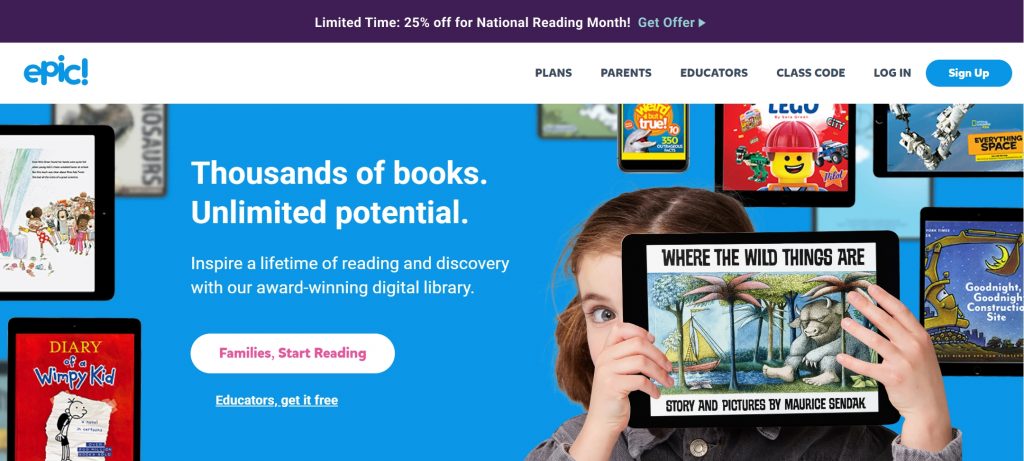
Epic is widely recognized as one of the most comprehensive reading platforms for children. It offers a large library of books, audiobooks, and videos designed to support literacy development.
What makes Epic especially effective is its ability to turn reading into an enjoyable, self-directed activity. Instead of being assigned books, children can explore content based on their interests.
Over time, this leads to:
- Increased reading time
- Improved vocabulary
- Stronger comprehension skills
Strengths:
Epic provides variety, flexibility, and personalization. It supports multiple age groups and adapts to different reading levels.
Limitations:
Because of the large content library, younger children may need parental guidance to choose appropriate books.
2. ABCmouse — Best for Structured Learning
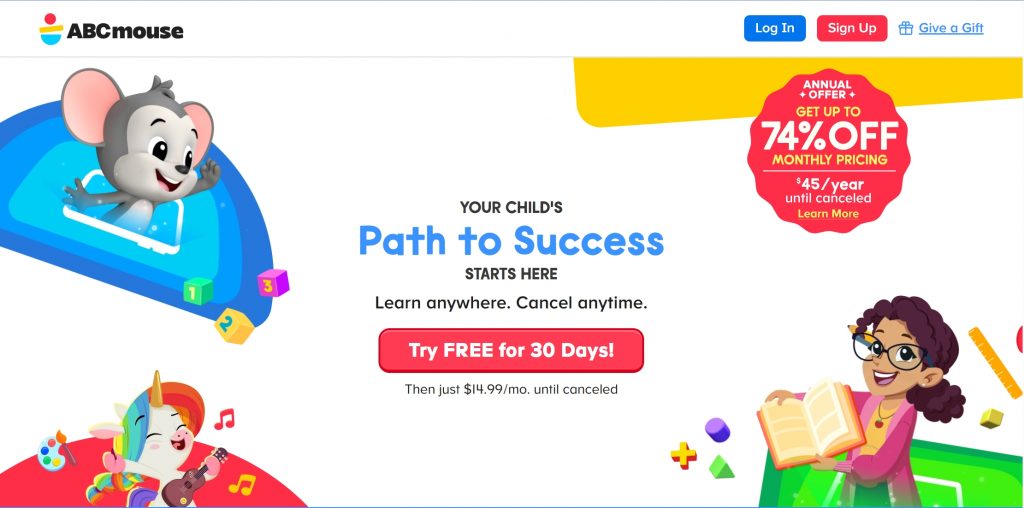
ABCmouse offers a full curriculum that covers reading, math, science, and art. It is designed to guide children through a structured learning path.
This makes it especially useful for:
- Building foundational skills
- Creating learning routines
- Tracking progress over time
Strengths:
The structured approach provides clarity and consistency, which is especially helpful for younger learners.
Limitations:
Some children may find the repetition less engaging over time, especially if they prefer more freedom.
3. Khan Academy Kids — Best Free Option
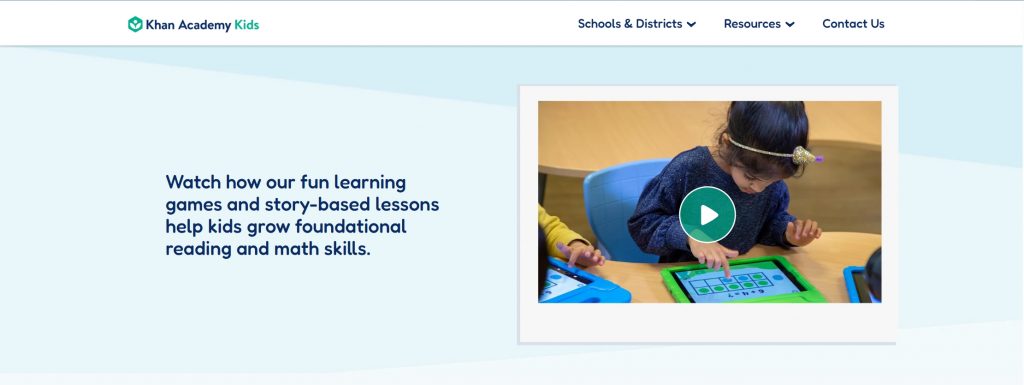
Khan Academy Kids is a free educational app that offers high-quality content across multiple subjects.
It combines:
- Academic learning
- Creative activities
- Social-emotional development
Strengths:
The app is completely free, ad-free, and well-designed, making it accessible to many families.
Limitations:
It offers less depth compared to some paid platforms, especially for older children.
4. Homer — Best for Early Reading
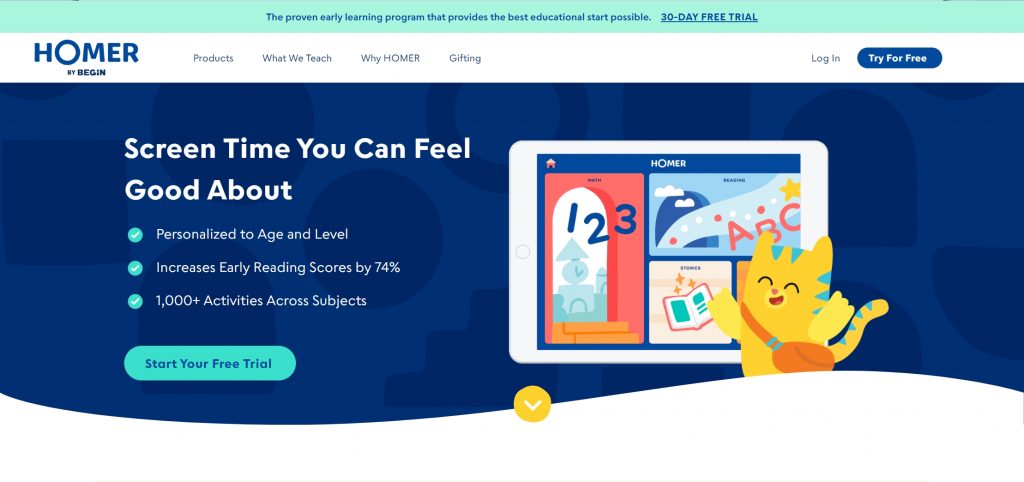
Homer focuses specifically on early literacy. It uses personalized learning paths to help children build reading skills step by step.
Strengths:
Highly effective for beginners and children who need extra support in reading.
Limitations:
Its focus is narrow, so it does not cover a wide range of subjects.
5. Duolingo — Best for Language Learning
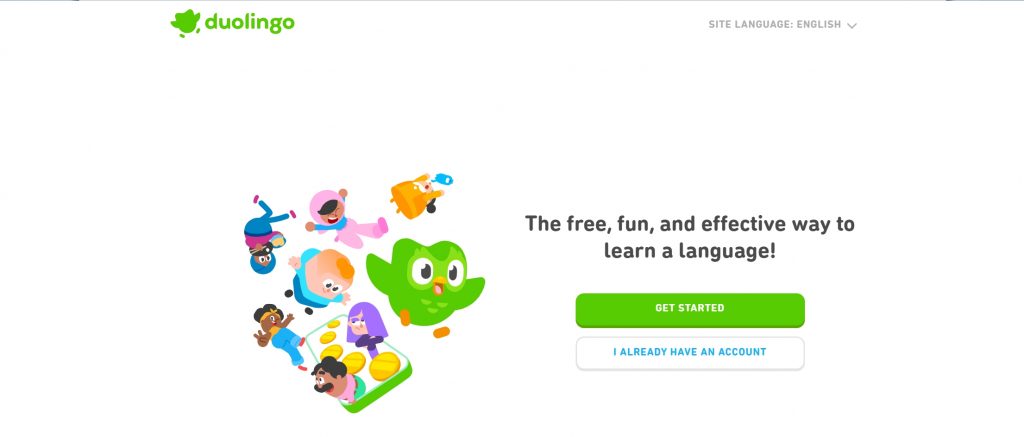
Duolingo introduces children to new languages through short, engaging lessons.
Strengths:
Gamified design keeps children motivated and encourages daily practice.
Limitations:
It may not provide deep learning for advanced users without consistent use.
Educational Apps Comparison
Choosing between these apps can be challenging. To help you decide, here’s a quick comparison:
| App | Best Age | Focus | Best For |
| Epic! | 3-10 | Reading | Independent learning |
| ABCmouse | 3-8 | Full curriculum | Structured learning |
| Khan Academy Kids | 3-8 | Core skills | Budget-friendly learning |
| Homer | 3-6 | Reading | Early literacy |
| Duolingo | 6-10 | Language | New skills |
How to Choose the Right App
Choosing the right educational app is not about finding the “best” one overall—it’s about finding the one that best fits your child.
Think about:
- What skills your child needs most
- Whether they prefer structure or freedom
- How they respond to digital learning
For example, a child who enjoys reading may benefit most from Epic, while a child who needs guidance may do better with ABCmouse.
Final Thoughts
Educational apps can be powerful tools when used with intention and balance.
They should not replace real-world learning, but they can enhance it in meaningful ways. When combined with parental involvement and real-life experiences, these tools can support long-term development.
Among all the options, Epic! stands out because it helps children develop one of the most important lifelong skills: a love of reading.
And once children enjoy learning, everything else becomes easier.
FAQ
What is the best educational app for kids?
Epic is one of the best overall, especially for reading and independent learning.
Are educational apps effective?
Yes, especially when combined with real-life learning and parental guidance.
How much screen time is appropriate?
Balance is the key. Combine digital learning with offline play and interaction.